Before installing
OneTwoLive is a Windows desktop application. Keep your original audio files where they are: the app reads them and creates rendered copies only when needed.
Download
Install OneTwoLive from the Microsoft Store or download the standalone installer. The free demo supports up to 5 tracks per setlist; the full license removes this limit.
The Microsoft Store version is recommended for most users. The standalone installer is also available below.
See what’s new in OneTwoLive 1.1.1 and view the full release history.
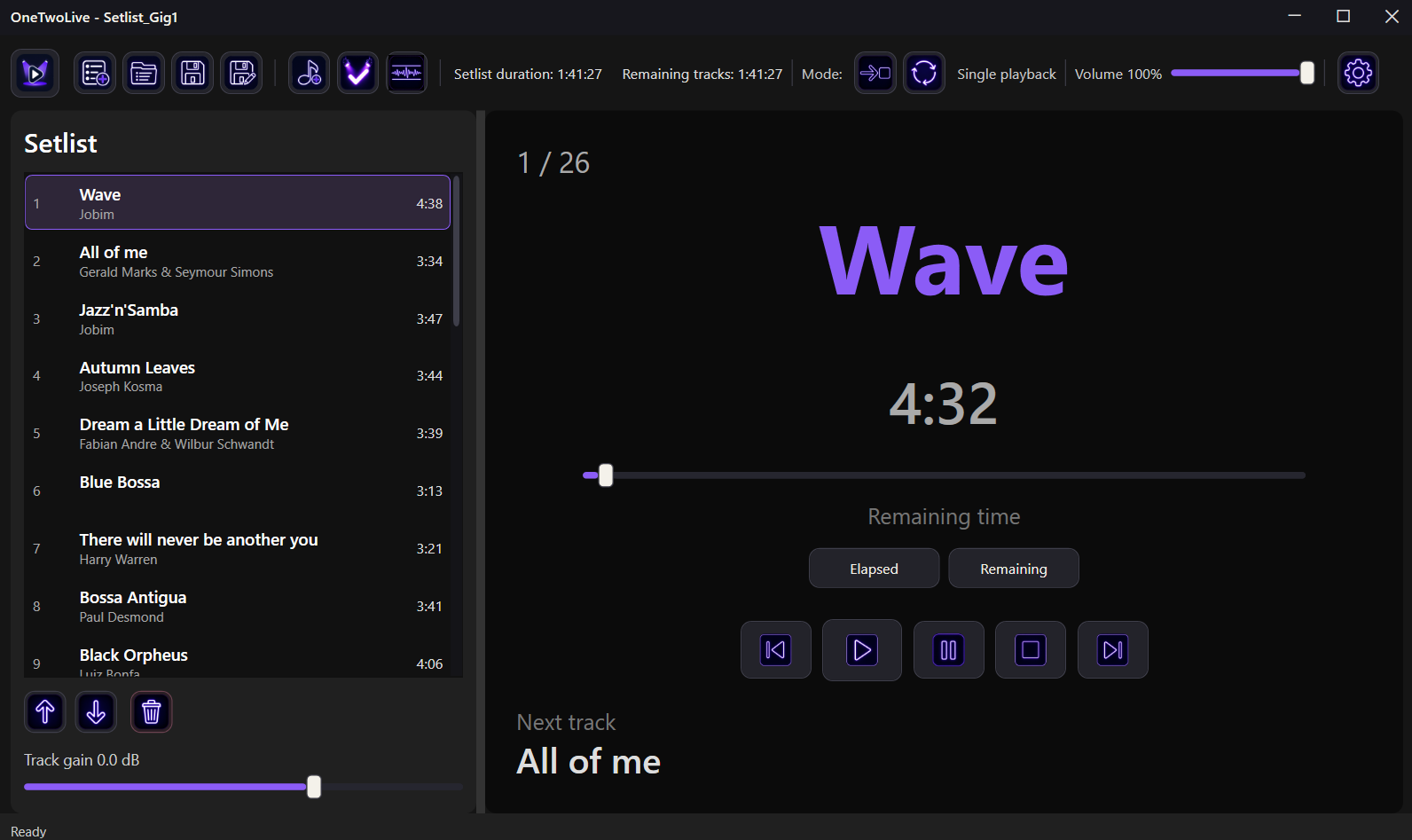
OneTwoLive is a Windows desktop application. Keep your original audio files where they are: the app reads them and creates rendered copies only when needed.
After buying a license, open OneTwoLive and use Activate license. Once activated, the app keeps working offline.